

Overview
NasRadius uses a multi-tenant architecture where each ISP gets their own dedicated subdomain. This ensures data isolation and personalized branding for your business.Requesting Your Account
To get started with NasRadius, you’ll need to request a tenant account:1
Navigate to Onboarding Page
Navigate to https://nasradius.com/onboarding and follow the instructions to create your account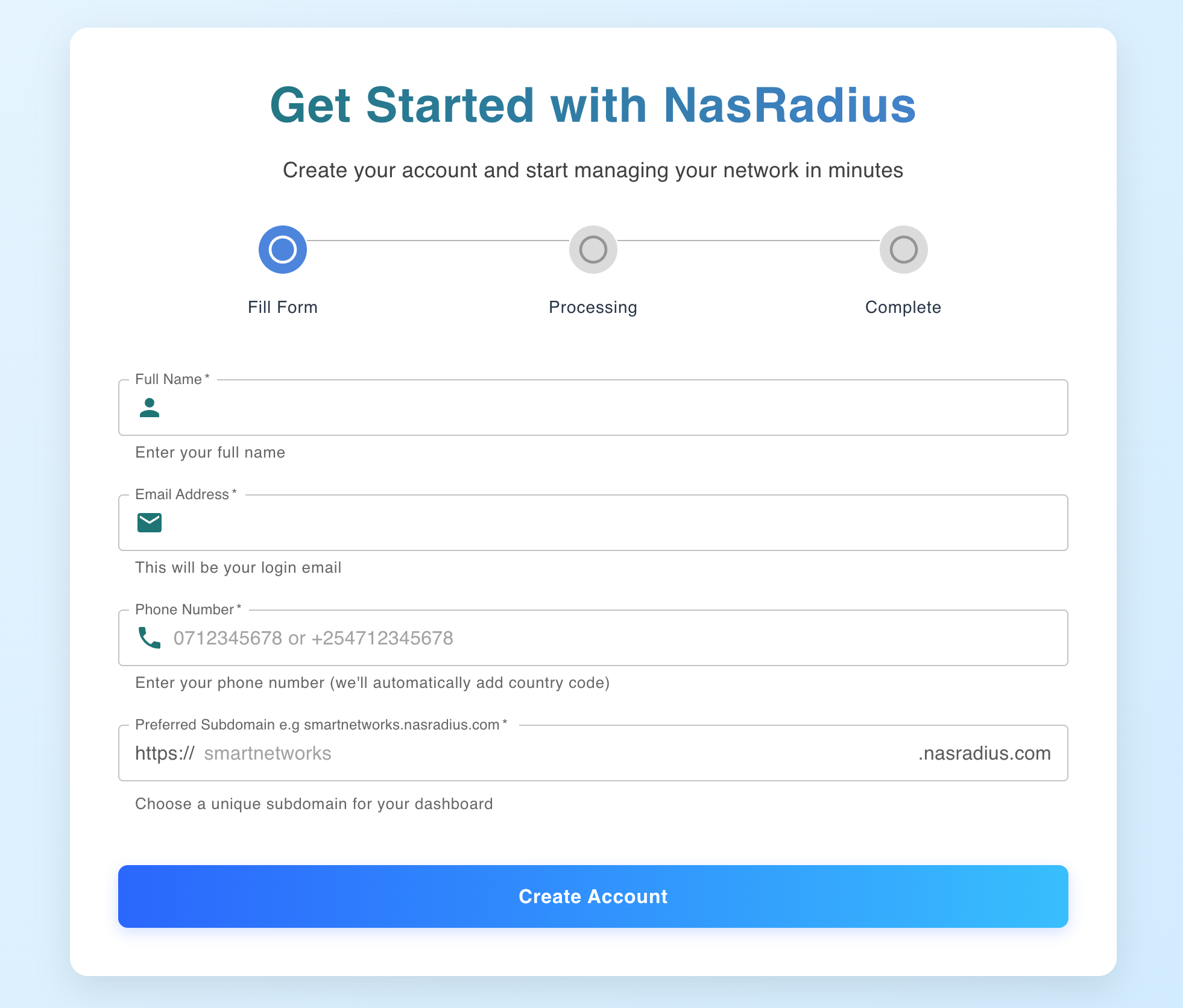
- The page will ask for your business name, phone number, email address and subdomain name
- On filling the form and submitting the form, your account will be created and you will get two options:
- Link to a page for mikrotik configuration guide
- Link to your account dashboard
First-Time Login
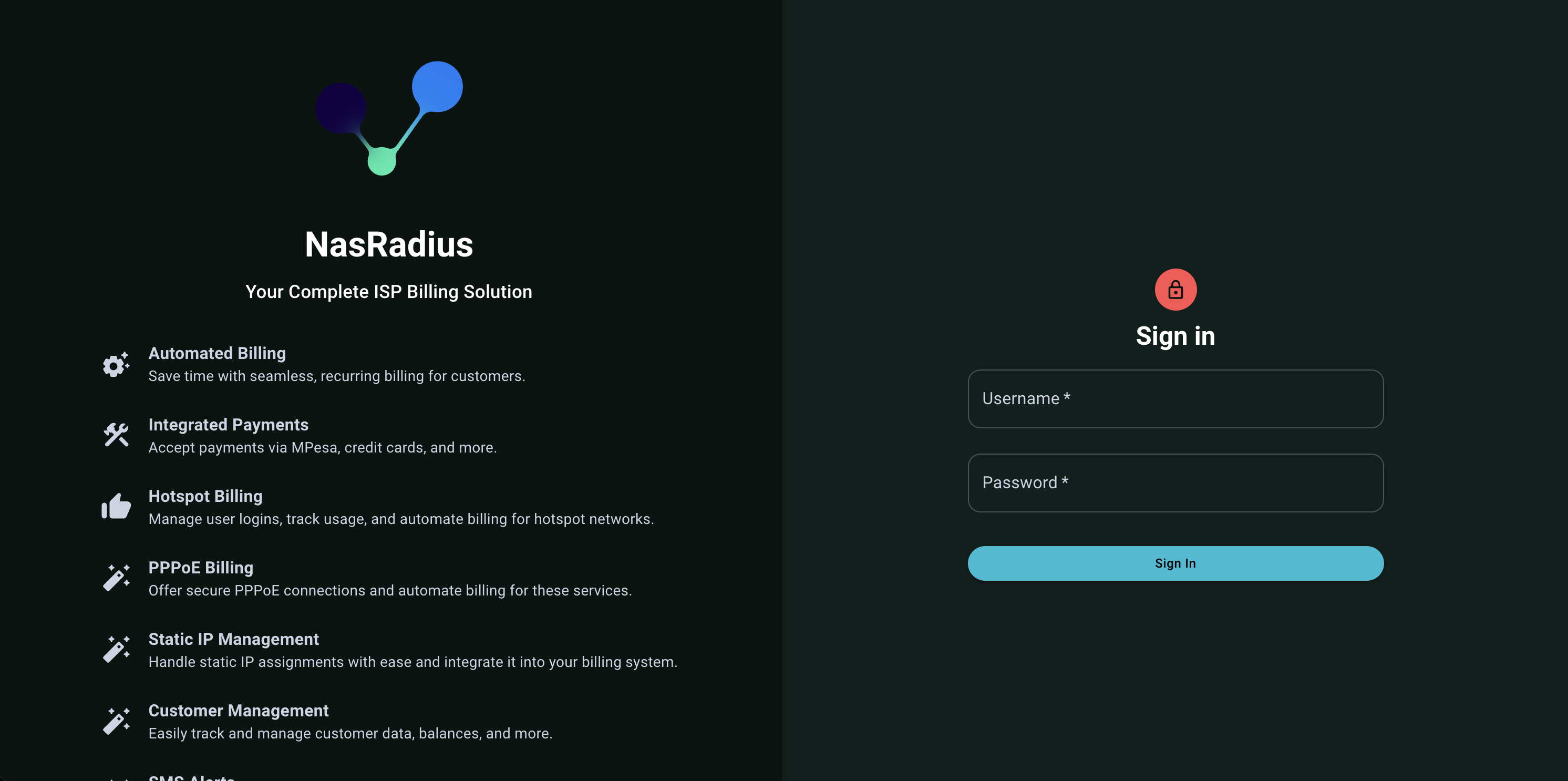
- Navigate to your tenant URL (e.g.,
https://yourisp.nasradius.com) - Enter your provided username
- Enter your password
- Click Sign In
What You’ll See After Login
After successfully logging in, you’ll be redirected to the Dashboard. The dashboard provides an overview of your business metrics including:- Daily and weekly revenue
- Customer statistics
- Online customers
- Revenue trends
By default, the system opens in PPPoE mode. You can switch to Hotspot mode using the toggle buttons at the top of each page.
Account Security Best Practices
Strong Password
Use a password with at least 8 characters, including uppercase, lowercase, numbers, and symbols
Secure Connection
Always access NasRadius over HTTPS (the default)
Session Management
Log out when not using the system, especially on shared computers
Browser Security
Keep your browser updated and avoid saving passwords on public computers